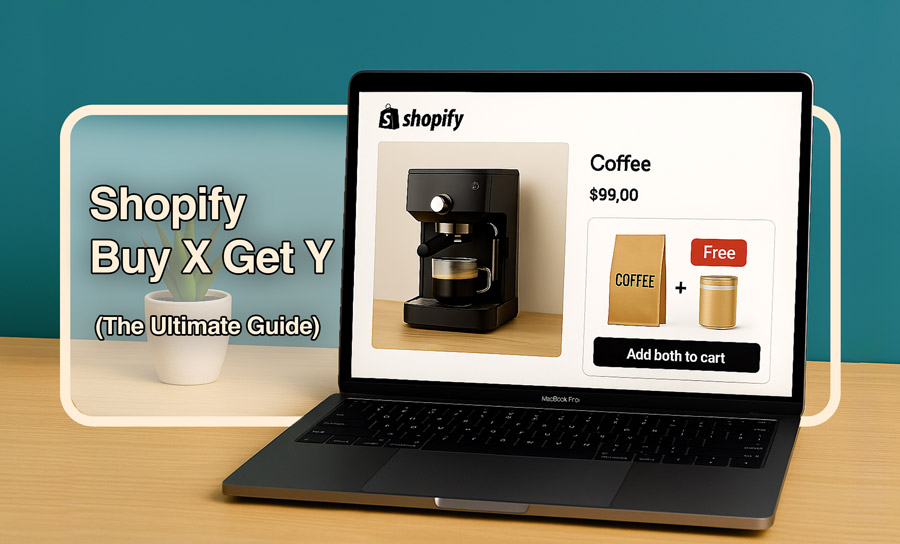
What is a Buy X Get Y discount on Shopify?
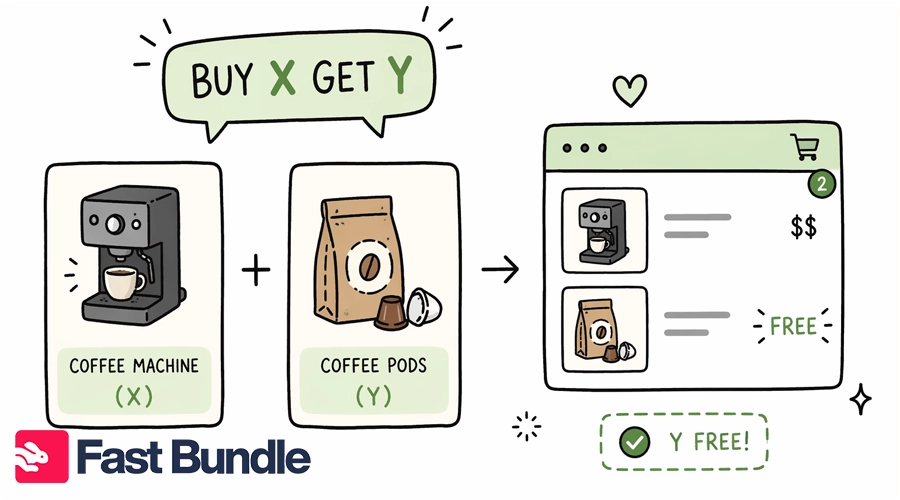
Imagine you have a Shopify store filled with different products, each with a fixed price that might change around holidays and other occasions. When you make a “Buy X Get Y Shopify offer”, you actually give the second item for free.
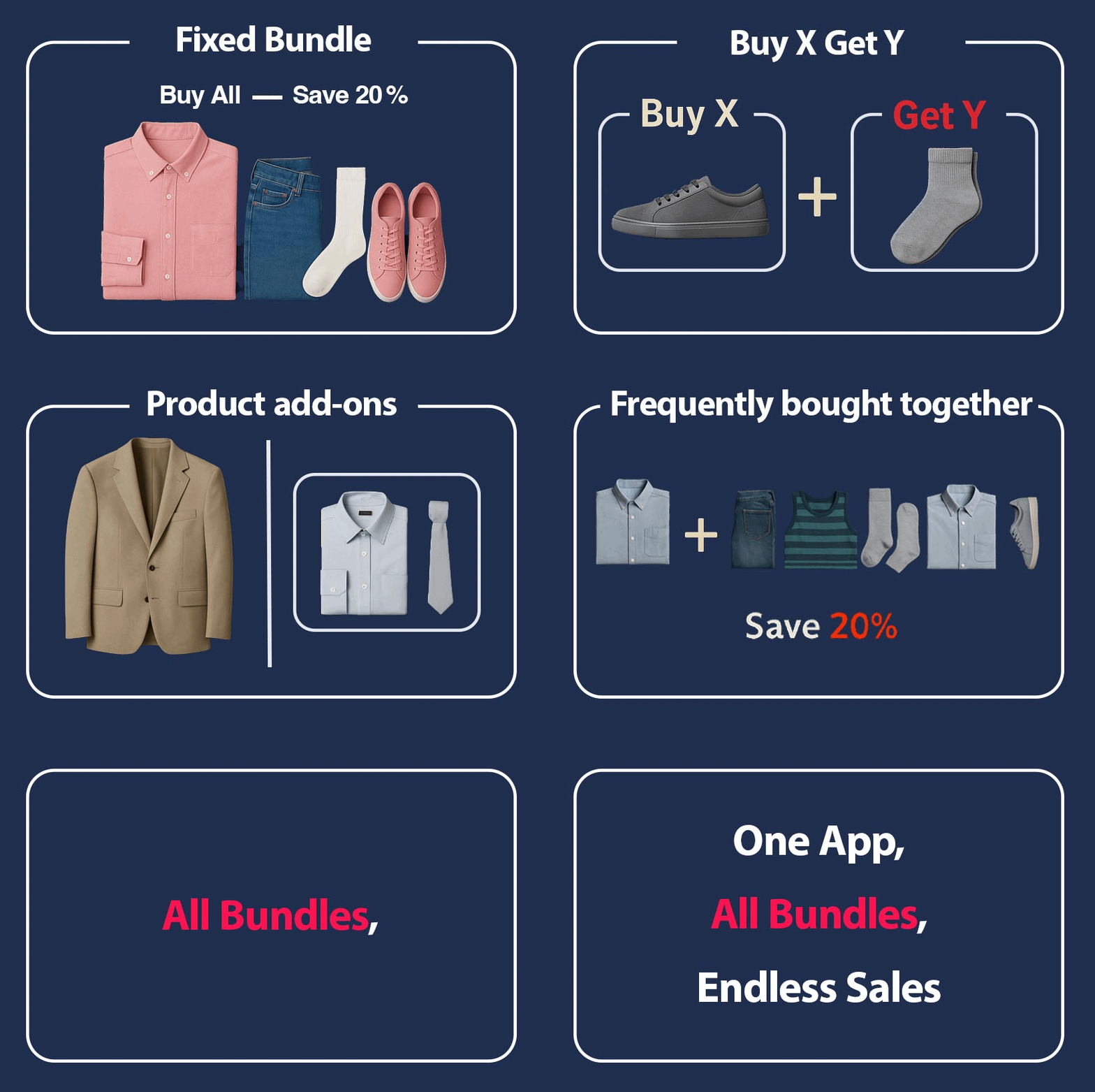
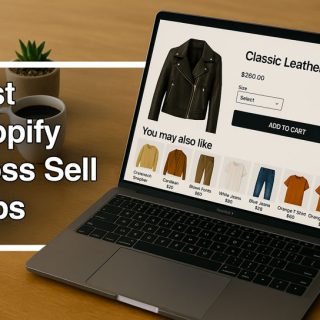
The package is shown by a widget that’s available to customers while they are adding the first product to the cart, suggesting that the second product can come with a discount (or completely free). For example, buying a coffee machine (X) and getting a discounted pack of coffee pods (Y) makes the deal more attractive.
There are different Variants of BXGY, let’s get to know them according to our example:
- Buy 1 Get 1 (BOGO): Buy one coffee machine, and get the second machine for free.
- Buy 2 Get 1: Buy two coffee machines to get the third for free.
- Spend X$, get 1: Buy the X$ machine to get one for free.
Shopify Buy X Get Y Examples
Here are four Shopify stores effectively using “Buy X Get Y” promotions, explained briefly:
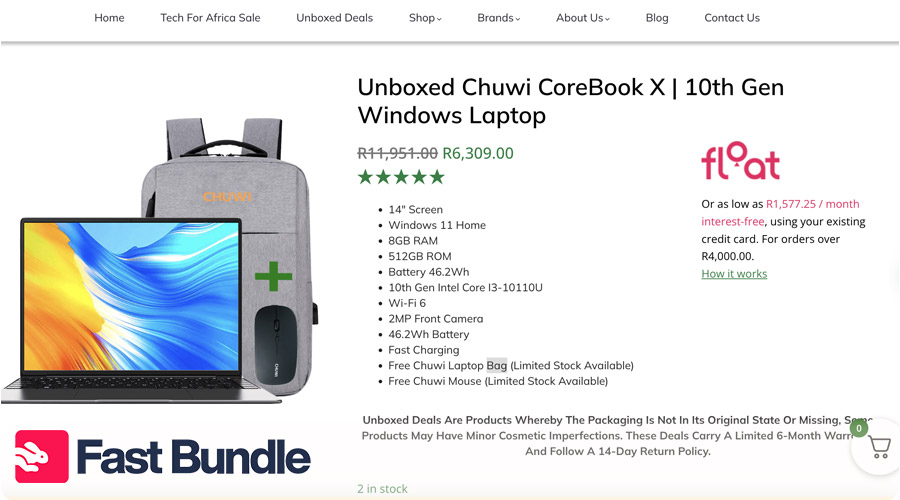
Rugged SA (ruggedsa.co.za)
This South African store offers “Buy 2, Get 1 Free” promotions on mobile accessories. Customers adding two qualifying items to their cart automatically receive the third for free. This deal encourages bulk purchases and increases the average order value while providing customers value.
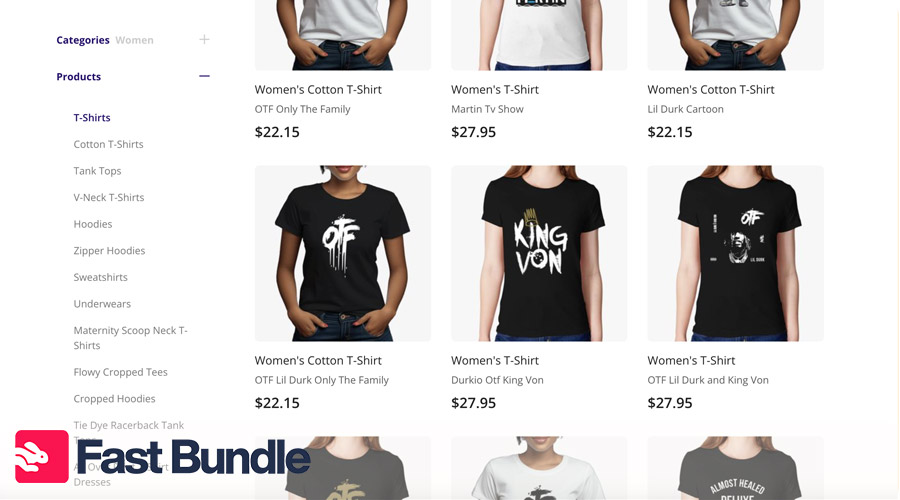
Customon (customon.com)
Specializing in personalized apparel, they feature “Buy 1 T-shirt, Get the Second Half Off” campaigns. This strategy targets shoppers who want variety, enhancing the user experience while promoting higher order volumes.
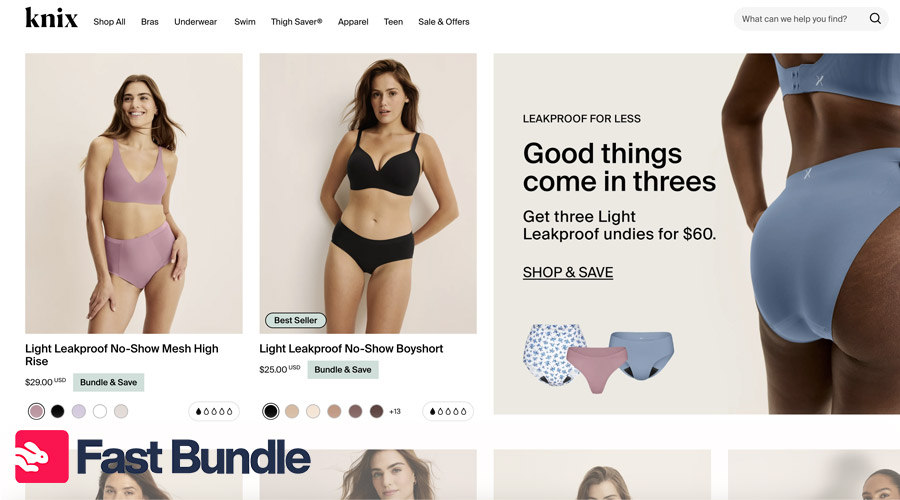
Knix (knix.com)
This women’s clothing brand frequently offers “Buy 3 Bras, Get 1 Free” deals. The promotion is displayed prominently on the brand’s homepage, ensuring customers are aware of the discount and incentivized to buy more to maximize savings.
Purelei (purelei.com)
Known for jewelry, Purelei uses “Buy 2, Get 1 Free” offers for bracelets. The promotion integrates seamlessly into their cart page, automatically applying the discount at checkout. It boosts sales and provides shoppers with a rewarding experience.
How to Set Up Buy X Get Y on Shopify?
Shopify Buy X Get Y is one of the best paths if you aim to increase AOV. But how should you set up this kind of discount? It’s not complicated.
Using Shopify’s Built-in Tools
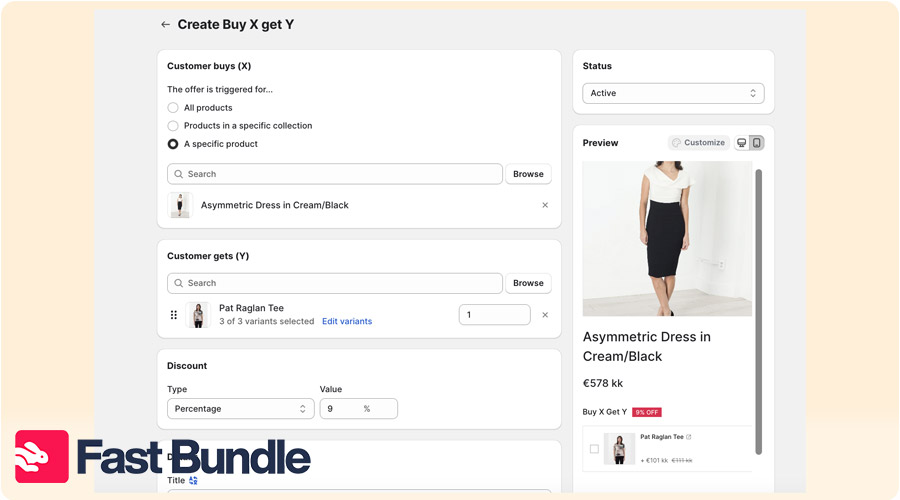
- Log in to your Shopify Admin Dashboard.
- Navigate to Discounts > Create Discount.
- Select Buy X Get Y as the discount type.
- Set eligibility criteria: choose the product(s) for X and the product(s) for Y.
- Define the discount amount for Y (e.g., free or percentage off).
- Set usage limits and active dates.
- Save the discount.
Watch out! Native Shopify tools have some limitations.
- The reward item is not auto-added. customers must manually add both to the cart.
- Discounts only apply when all required items are in the cart, even for automatic Buy X Get Y offers.
- Buy X Get Y does not work on post-purchase pages.
- Products in a Buy X Get Y offer can’t receive additional product discounts.
Using Third-party Apps
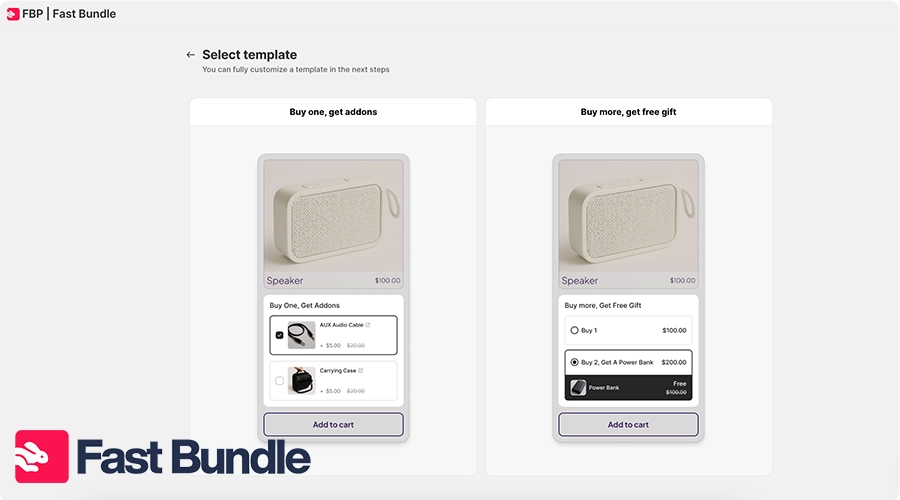
Third-party apps make setting up a Buy X Get Y discount on Shopify more accessible and dynamic. FastBundle offers features such as auto-add-to-cart, ensuring the Y product is automatically added when a customer selects the X product. This creates a seamless shopping experience and increases the likelihood of bundle sales.
You can also customize your discount rules, create specific widgets on product pages, and use detailed analytics to track bundle performance.
Buy X Get Y Shopify Best Practices
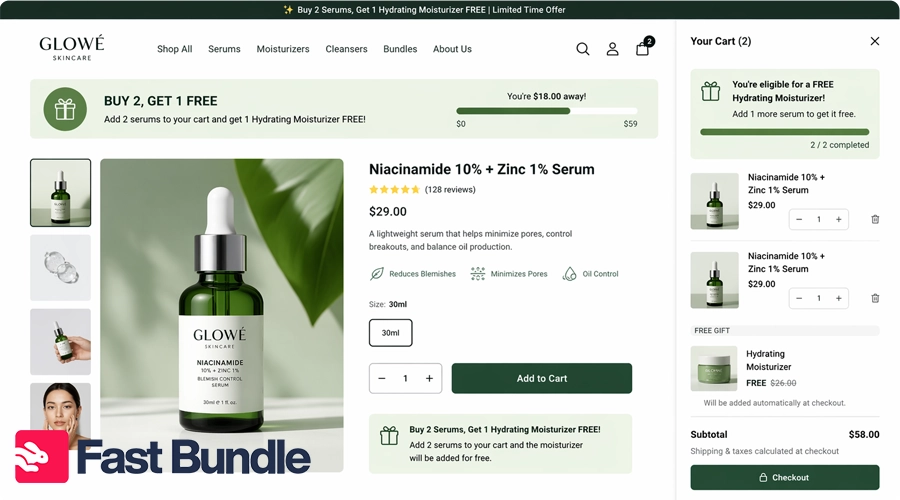
You now get that BXGY offers work, so how can you make the most of this opportunity? Here:
- Make Y low-cost but high perceived value: Choose a reward that feels valuable to customers but costs you little.
- Pair complementary products: Combine items that naturally go together (like skincare items or a coffee pot and beans), so the offer feels helpful and increases the likelihood that customers will accept it.
- Avoid giving away high-margin killers: Don’t include core or expensive products as rewards, because this can reduce profitability.
- Use clear on-page messaging: Clearly explain the offer on product and cart pages.
- Test offer thresholds: Experiment with different quantities or cart values to find the balance.
- Highlight savings visually: Use badges, crossed prices, or “you save” labels to make the value obvious and catch attention quickly.
Common Issues: Buy X Get Y Shopify Not Working
Sometimes, when setting the Buy X Get Y Shopify discount, the end result is not what you expected. Something’s just not working. Promotions not working as expected can hurt sales and customer satisfaction. Here are common problems and their fixes:
Problem 1: Discount Doesn’t Apply
Fix: Double-check the Buy X Get Y discount conditions in your Shopify admin or app to fix a discount that doesn’t apply. Ensure the correct products and quantities are selected for the promotion. Also, confirm customers meet the required purchase amount or quantity at checkout. Testing the discount in real time helps identify and resolve any issues.
- Problem 2: Auto Add to Cart Not Functioning
Fix: verify the app’s integration settings to ensure it’s properly configured. Find conflicts with other apps or custom scripts that might override the auto-add feature. Disable conflicting elements temporarily to test functionality. If the problem persists, contact the app’s support team for troubleshooting and assistance.
Problem 3: Reward Not Visible
Fix: confirm that the “Y” product is active and available in your Shopify inventory. If the product is hidden or out of stock, it won’t appear as a reward. Also, ensure that the discount conditions, such as eligible products and quantities, are correctly met during checkout. Testing the promotion on your storefront helps identify and resolve visibility issues effectively.
Problem 4: Buy X Get Y Discount Not Working for Sale Items
Fix: adjust your discount settings to include or exclude sale items based on your preference. Navigate to the discount creation settings in Shopify or the third-party app and review the eligibility criteria. Ensure sale items are explicitly mentioned if you want them included in the promotion. Testing ensures the conditions work as intended for both sale and non-sale items.