Black Friday

Belongs to Bundles, Get Ready!

Days
Hours
Min

%50 OFF

on Enterprise Plan

shopify bogo discount

How to Do a Bogo Sale on Shopify?

On this page
On this page

You’ve probably seen it a hundred times as a shopper: “Buy 1, Get 1 Free” or “Buy 2, Get 1 at 50% Off.” And let’s be honest, how often have you grabbed that extra item just because the deal felt too good to pass up?

That’s the power of a BOGO discount.

BOGO, short for “Buy One, Get One,” is one of the most effective promotional strategies to increase your average order size, move slow inventory, and create a sense of urgency that drives quick action,all without slashing your prices across the board.

In this guide, you’ll learn how to set up a Shopify BOGO discount (also searched as bogo Shopify or Shopify BOGO) step-by-step. Whether you’re running a seasonal sale or trying to offload extra stock, we’ll show you how to do it right, and profitably.

What Is a BOGO Sale on Shopify?
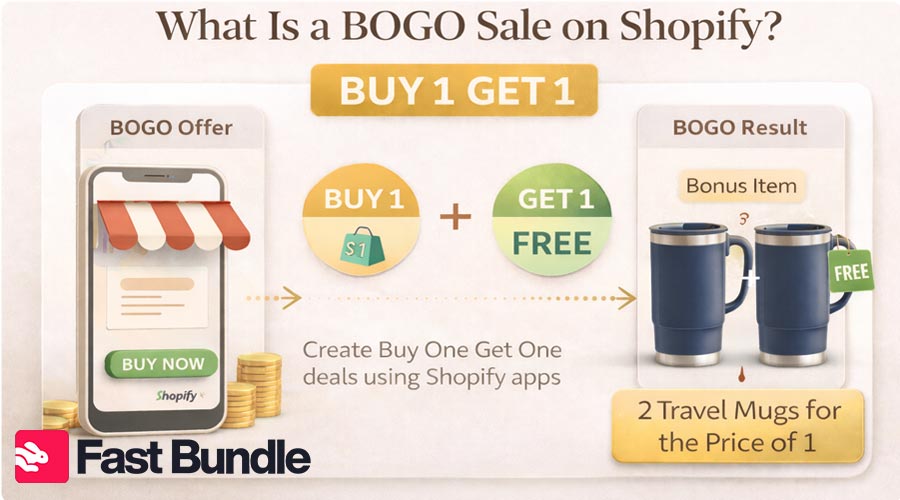
Many Shopify sellers rely on packages and bundles to make better offers to their customers. Shopify BOGO sale means creating an offer of “Buy 1 Get 1” on your store with the help of Shopify apps and tools.

What Does “Buy One Get One” Mean?

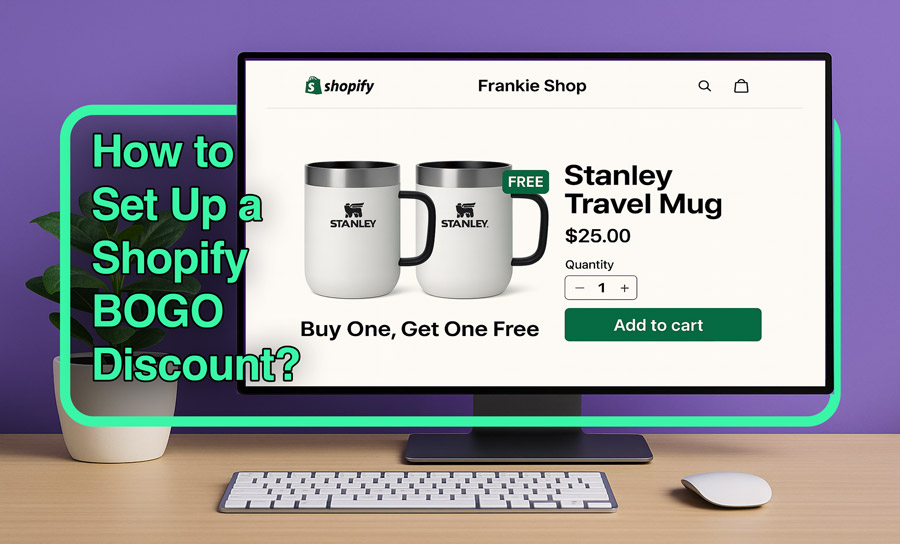
BOGO, or “Buy One Get One,” is an offer in which the buyer receives a free item when they purchase one. Like 2 travel mugs for the price of one, when they have bought the first one and paid for it.
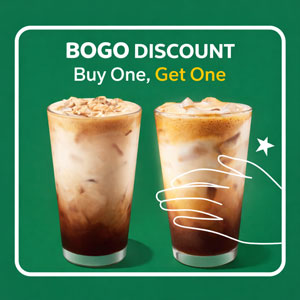
BOGO Discount: How ‘Buy One Get One’ Can Boost Your Business

Why Use a Shopify BOGO Discount?

A BOGO can be the best type of sales offer for both newbies and experienced sellers in ecommerce (especially on Shopify). Here are the most important reasons to create BOGO on Shopify.

Because BOGO sales create a sense of perceived value (and sometimes urgency), since making customers feel “getting more” for the same price. Free incentives make purchases faster and boost the conversion rate.

Bigger orders mean bigger numbers, and BOGO offers turn individual orders into packs, and you can set the price accordingly. With BOGO offers, AOV usually rises on Shopify stores.

  • Boost Conversions Fast

 The perceived value of “free” or “extra” encourages shoppers to complete purchases they might otherwise abandon.

  • Clear Out Inventory

Got overstocked products or seasonal items? BOGO helps move them without devaluing your brand.

  • Build Long-Term Loyalty

Generous offers make customers feel rewarded, increasing the likelihood of repeat business.

  • Increase Cart Size

People naturally buy more to unlock the deal, lifting your average order value.

Shopify Buy One Get One Deals Types

There’s more than one way to BOGO. Here are the most popular variations you can use on your Shopify store, each with its own strategy and use case.

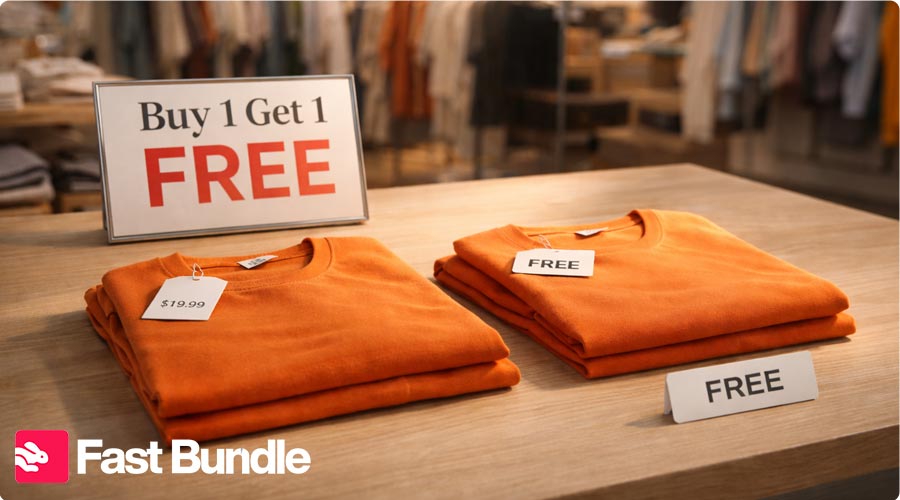
  • Buy 1 Get 1 Free


The classic! Customers get a second item free when they buy one. It’s simple, high-impact, and creates a strong sense of value, great for clearing inventory fast.


Example: Buy a t-shirt, get a second one (same or lower price) free. Auto-applies at checkout.

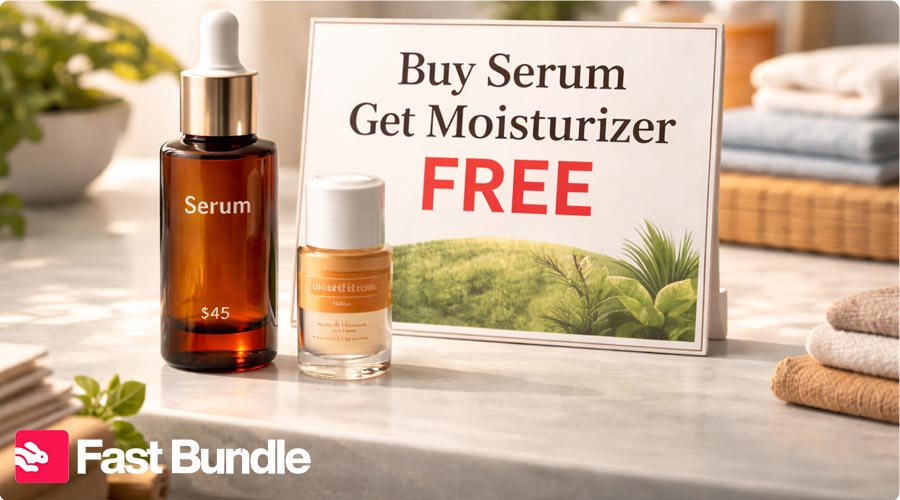
  • Buy X, Get Y (Different Item)


Let customers buy one product and get a
different product for free or at a discount. Perfect for cross-selling or introducing new items.

Example: Buy a skincare serum, get a travel-size moisturizer free. Great for brands with complementary product lines.

  • Buy 2, Get 1 at 50% Off


This tiered approach boosts cart size by encouraging more items while protecting margins. It feels generous but strategic.

Example: Buy any 2 books, get the third for 50% off. The discount auto-applies to the lowest-priced item.

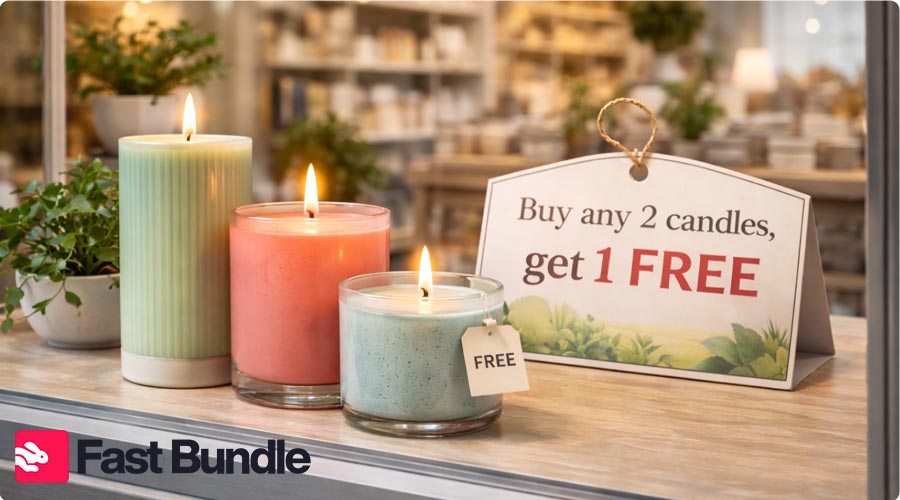
  • Mix & Match BOGO


Customers choose from a set of eligible items, creating flexible bundles. Ideal for stores with wide catalogues or seasonal promos.

Example: Buy any 2 candles, get 1 free, mix scents, colours, or sizes. A smart move for lifestyle or gifting brands.

Can You Do a BOGO Sale on Shopify Without an App?

Here’s how to set up bogo on Shopify inside the admin panel with its own features (without apps):

Using Shopify’s Built-In Discount Settings

If you’re keeping it simple, Shopify’s native discount builder offers a basic Buy X Get Y setup. It works best for straightforward BOGO campaigns, like “Buy 2, Get 1 Free” or “Buy 1, Get 1 at 50% Off.”

Steps to create your offer:

  1. Go to your Shopify Admin → Click Discounts in the sidebar
  2. Click “Create Discount” and select “Amount off products”
  3. Choose the “Buy X Get Y” option
  4. Under “Customer buys,” define the quantity and product(s) they need to purchase
  5. Under “Customer gets,” set the reward (e.g., one item free or discounted)
  6. Set usage limits, start/end dates, and select eligible collections or products
  7. Save and test the discount in your storefront

Limitations of Native Shopify BOGO

Shopify’s default setup doesn’t automatically add the free or discounted item to the customer’s cart. They need to manually find and add the qualifying product, which can lead to drop-offs or confusion.

For a smoother experience, we recommend using a Shopify app that handles this seamlessly.

How to Set Up a BOGO Sale on Shopify (Step-by-Step)

For merchants who want a polished, flexible experience that actually converts, apps are the way to go.

Using a Shopify BOGO App

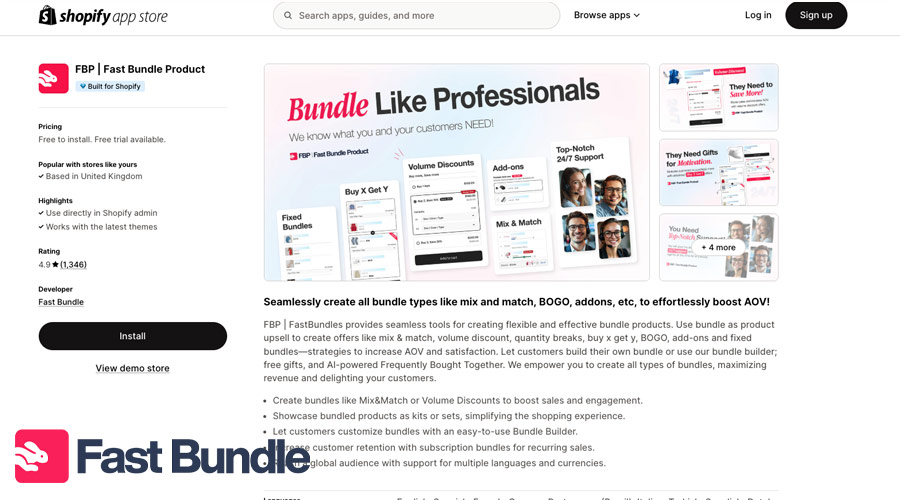
There are tons of apps in the Shopify app store with options like BOGO offers. Just search for “BOGO” in the app store and select the option that best fits your needs.

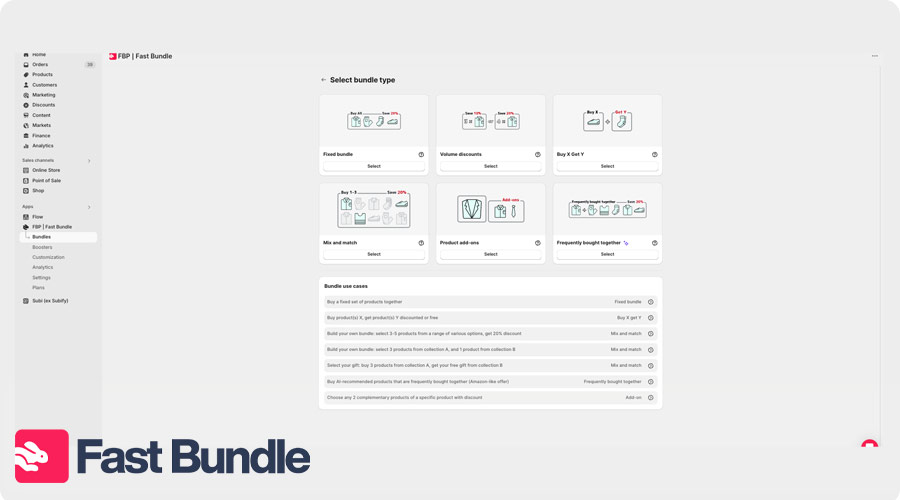
Setting Up a BOGO Offer with Fast Bundle

  • Select BOGO or Buy X Get Y type
  • Assign products and rules (e.g., Buy 1 shirt → Get 1 shirt free)
  • Customize widget text (like “Grab your freebie!”)
  • Preview the experience → Enable the bundle

Fast Bundle removes the friction of manual promotions and lets you launch high-converting BOGO offers in minutes, not hours. Whether you’re running a seasonal flash deal or launching a long-term upsell strategy, it’s built to scale with your store.
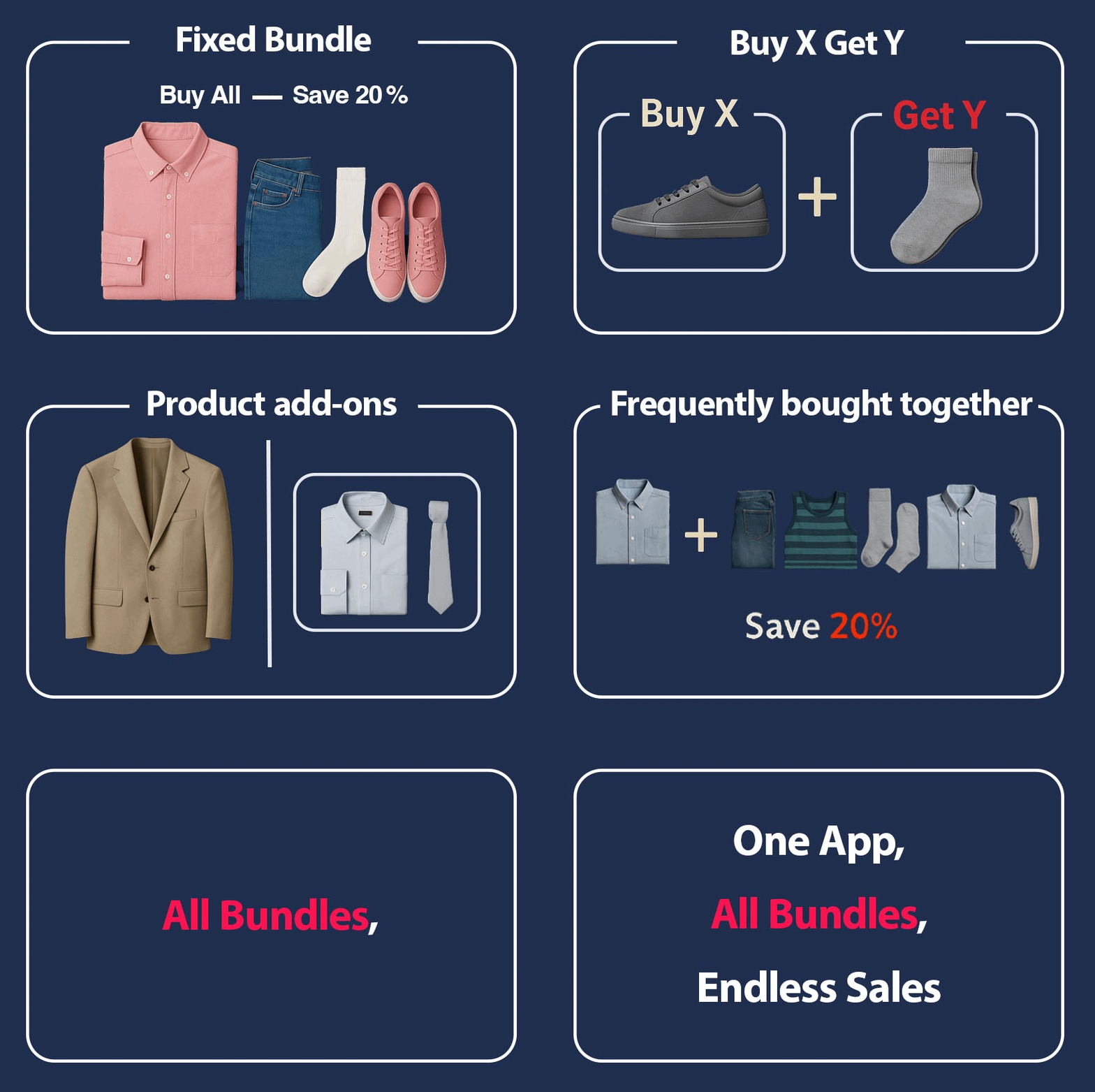
         Want a smoother BOGO setup? Try Fast Bundle

How to Promote Your BOGO Offer

You’ve set up a great BOGO deal, now it’s time to get eyes on it. A well-placed promotion can create urgency, increase average order value, and drive more conversions.

Smart Ways to Promote Your Shopify BOGO:

  • On-site Promotion

    Feature your offer front and center with clear messaging like “Buy 1, Get 1 Free – This Week Only.”

  • Product Badges

    Add labels such as “BOGO” or “Free Gift” directly to product images to grab attention as customers browse.

  • Countdown Timers

    Show how long the deal is available to add urgency, especially during short-term sales or seasonal promos.

  • In-Cart Messaging

    Encourage action with prompts like “Add 1 more to unlock your free item” as customers build their cart.

  • Email Campaigns

    Announce your BOGO with bold subject lines and clear calls-to-action. Include direct links to qualifying items to reduce friction.

  • Paid and Social Promotion

    Use short videos or lifestyle photos to show how the offer works, and run targeted ads to drive traffic to specific BOGO bundles.

Best Practices for Running BOGO Discounts

A well-executed Shopify buy x get y deal can skyrocket conversions,but only if it’s done thoughtfully. These tips will help you make the most of your offer:

  • Make the offer clear

    Confusion kills sales. Use direct language like “Buy 1, Get 1 Free” and make sure it’s visible on product pages and the cart.

  • Add Urgency

    Urgency drives action. Frame your offer as a limited-time deal to encourage quicker checkouts.

  • Bundle complementary products

    Pair products that naturally go together (like a T-shirt and hat, or shampoo and conditioner) for higher perceived value and better upsell opportunities.

  • Test different BOGO variations

    Try variations like “Buy 2 Get 1” or “Buy X, Get Y at 50% Off” to see what resonates best with your audience.

  • Track your metrics

    Monitor click-through rates, average order value, and conversion rates. Adjust or retire underperforming offers based on real data.

Measuring BOGO Success

Once your BOGO offer is live, don’t just set it and forget it. Tracking performance is key to maximizing ROI and learning what works.

Key Metrics to Track:

  • Average Order Value (AOV):
    Has your AOV increased since launching the offer?
  • Units per Order:
    Are customers buying more items per transaction?
  • Conversion Rate:
    Is your BOGO helping more visitors complete their purchase?
  • Stock Movement:
    Are slow-moving or excess items actually getting cleared?

Common BOGO Mistakes to Avoid

These are the mistakes that many sellers make in their bundling journey.

  • Over-Discounting

Too aggressive discounts can demolish all your BOGO offers. Always calculate your product costs, shipping, and payment fees before launching the campaign. 

  • Poor Product Selection

Not every product works for BOGO, so don’t use low-margin or high-return items. Instead, choose complementary products, overstock inventory, or high-perceived-value items with healthy margins. 

  • Confusing Rules for Customers

If customers don’t instantly understand the offer, conversion drops. Avoid complex conditions like multiple exclusions or unclear quantities. Clearly explain what to buy, what they get, and whether the discount is automatic.

Final Thoughts: Boost Sales with Smart BOGO Offers

Setting up Shopify BOGO discounts with the right app can be a game-changer for your store. Using Fast Bundle’s versatile customizations, BOGO deals not only increase your average order value but also help move inventory and build lasting customer loyalty. The best part? You can start small, test, and scale as you learn what works for your audience.

FAQ

Yes, Shopify discounts can auto-apply BOGO, but auto-adding free items may require an app for smoother UX.

BOGO often increases AOV and perceived value, while percentage discounts are simpler and sometimes protect margins better.

It can reduce margins if poorly structured, but smart product selection and pricing protect profitability.

Yes, Shopify allows BOGO discounts to apply to entire collections instead of specific products.

The best app depends on needs, but choose one supporting mix-and-match, auto-add, and flexible discount rules.

Boost Your AOV Effortlessly By Bundling Products

all type of bundle

Rozhan is a Content Writer at Fast Bundle, where she produces strategic, value-packed content to help ecommerce businesses — especially Shopify stores — grow their revenue through smart product bundling. Her work focuses on simplifying bundling techniques, enhancing customer experience, and sharing data-backed insights that drive conversions. With a passion for clear communication and a background in digital marketing, Rozhan turns complex ecommerce ideas into accessible, results-driven articles.