Black Friday

Belongs to Bundles, Get Ready!

Days
Hours
Min

%50 OFF

on Enterprise Plan

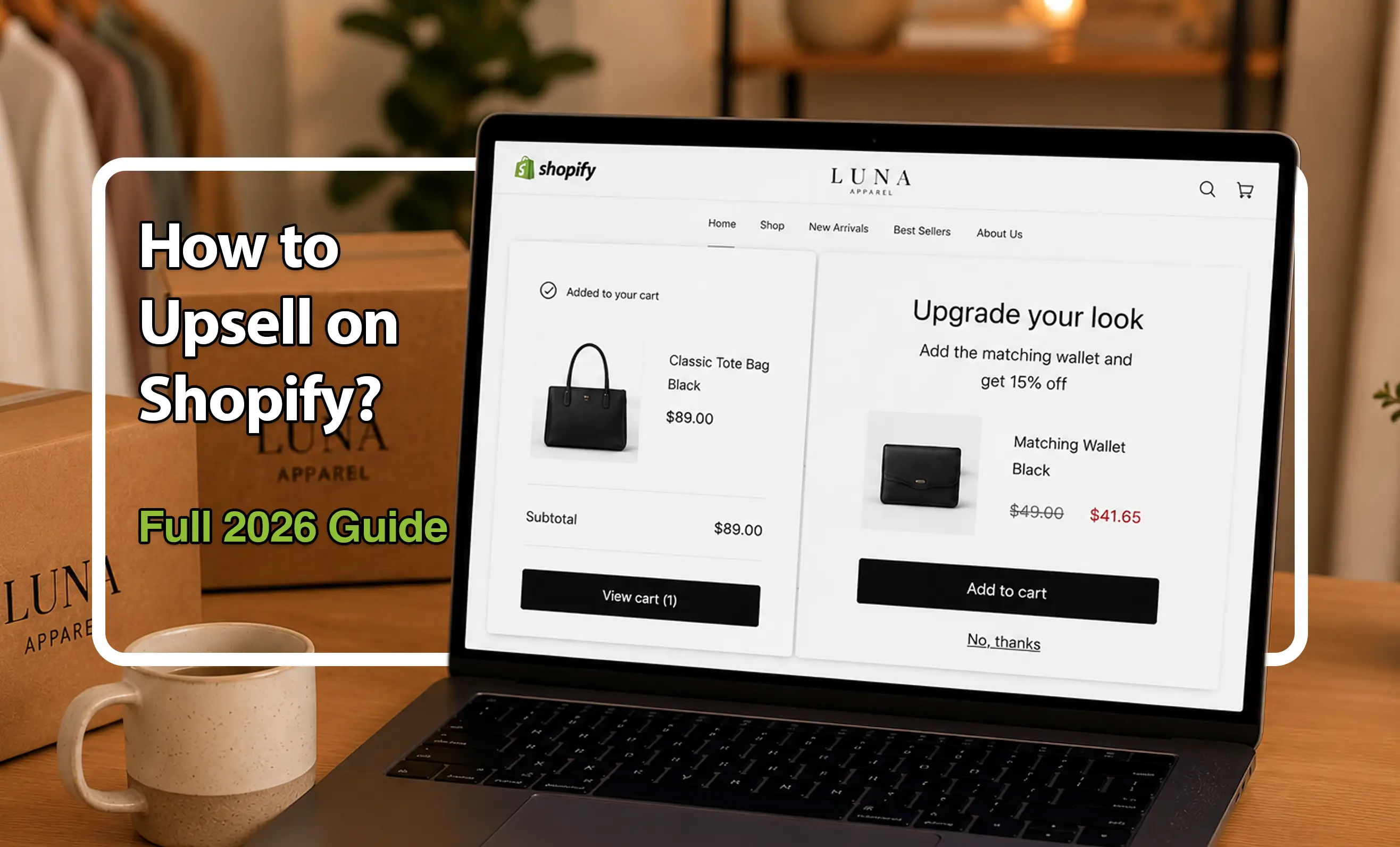
How to Upsell on Shopify? Proven Strategies to Increase AOV in 2026

On this page
On this page

Here’s a fun fact: 70–95% of revenue from top-performing eCommerce stores often comes from their upsells and repeat purchases. Surprising? Maybe. Powerful? Absolutely.

Upsell on Shopify is the art of encouraging shoppers to go for a higher-value product, an upgrade, or a related add-on, all before they hit the “Complete Order” button. It’s the friendly nudge that says, “You might like this even better,” and it works.

Why should you care? Because upselling increases your Average Order Value (AOV),  that sweet metric that tells you how much each customer is spending. The higher it goes, the more profit you make from the same traffic and marketing spend. I gathered the most essential info on upsell on Shopify and how to do it.

What Is Upselling on Shopify?
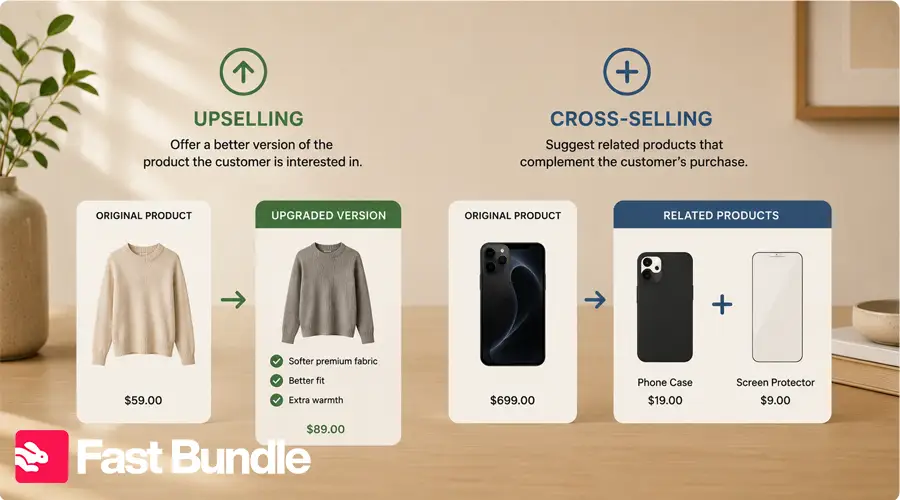
Upselling on Shopify is all about offering your customers a better version of what they’re already interested in, a higher-end product, a larger size, or a premium bundle. It’s different from cross-selling, which suggests related but separate products (“You bought a phone, here’s a case!”).

Upsells usually show up at key moments in the customer journey — like on product pages, the cart page, or even after checkout on the post-purchase page. When done right, upselling leads to higher AOV, stronger customer loyalty, and better profit margins. Curious about how to add upsell products in Shopify? You’ll be glad to know it’s easier than you think, and we’ll walk you through it step by step.

Why Should Shopify Sellers Upsell?

Let’s get to this with a simple example: a customer buying a basic hoodie is often willing to upgrade to a sports one if they see the right offer. Upselling helps you create that very offer and give your customers bigger cards. AOV rises, and instead of chasing more visitors, you generate more revenue from existing customers by offering upgrades, bundles, premium versions, or higher-value product combinations.

How to Upsell on Shopify? (2 main ways)

To create upsells, you can use Shopify’s built-in features or go for third-party apps. 

  • Built-in Shopify Functions

Shopify doesn’t offer advanced upsell tools by default, but you can still create simple manual upsells. Like this:

  1. Create a higher-value product option
    Example: Basic T-shirt → Premium T-shirt.
  2. Add variants
    In Shopify admin, add variants like size, pack quantity, or premium material.
  3. Create a manual bundle product
    like “3-Pack T-shirts” as a separate product.
  4. Set a better price
    Make the bundle or premium option feel more valuable.
  5. Add it to product pages
    Use theme sections like “Recommended products” or “Add more.”
  6. Create a discount code
    Use Shopify Discounts for quantity or bundle-style offers.
  • Using Shopify Apps

If you want to scale your upselling strategy and automate key parts of it, it’s best to use apps. Apps let you set targeted conditions, automate the process and create a better screening for after the sell. o

Create Customized Upsells with Fast Bundle

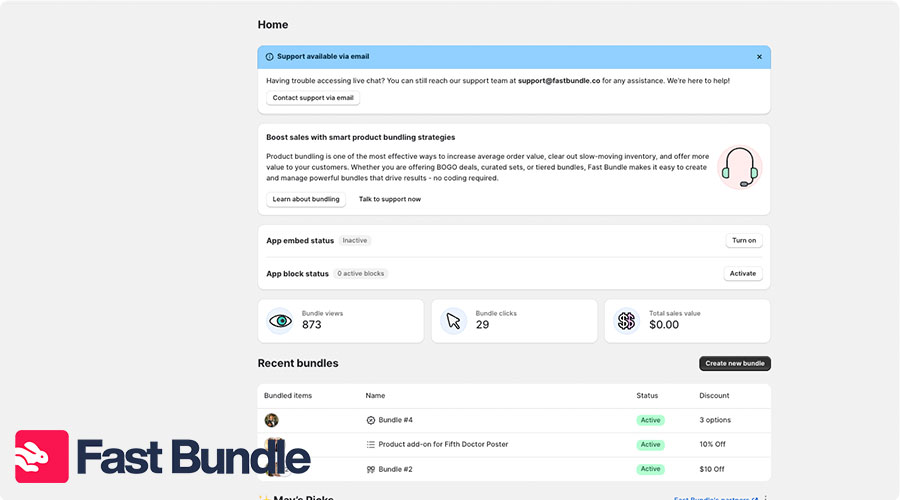
  • Install Fast Bundle from the Shopify app store.
  • Open it in your pannel.
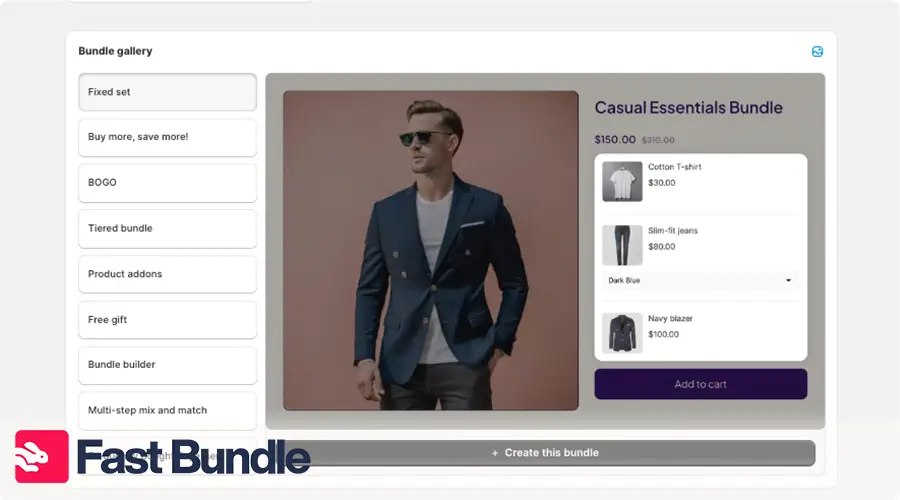
  • Select “create new bundle”

  • and choose any of the upsell types.

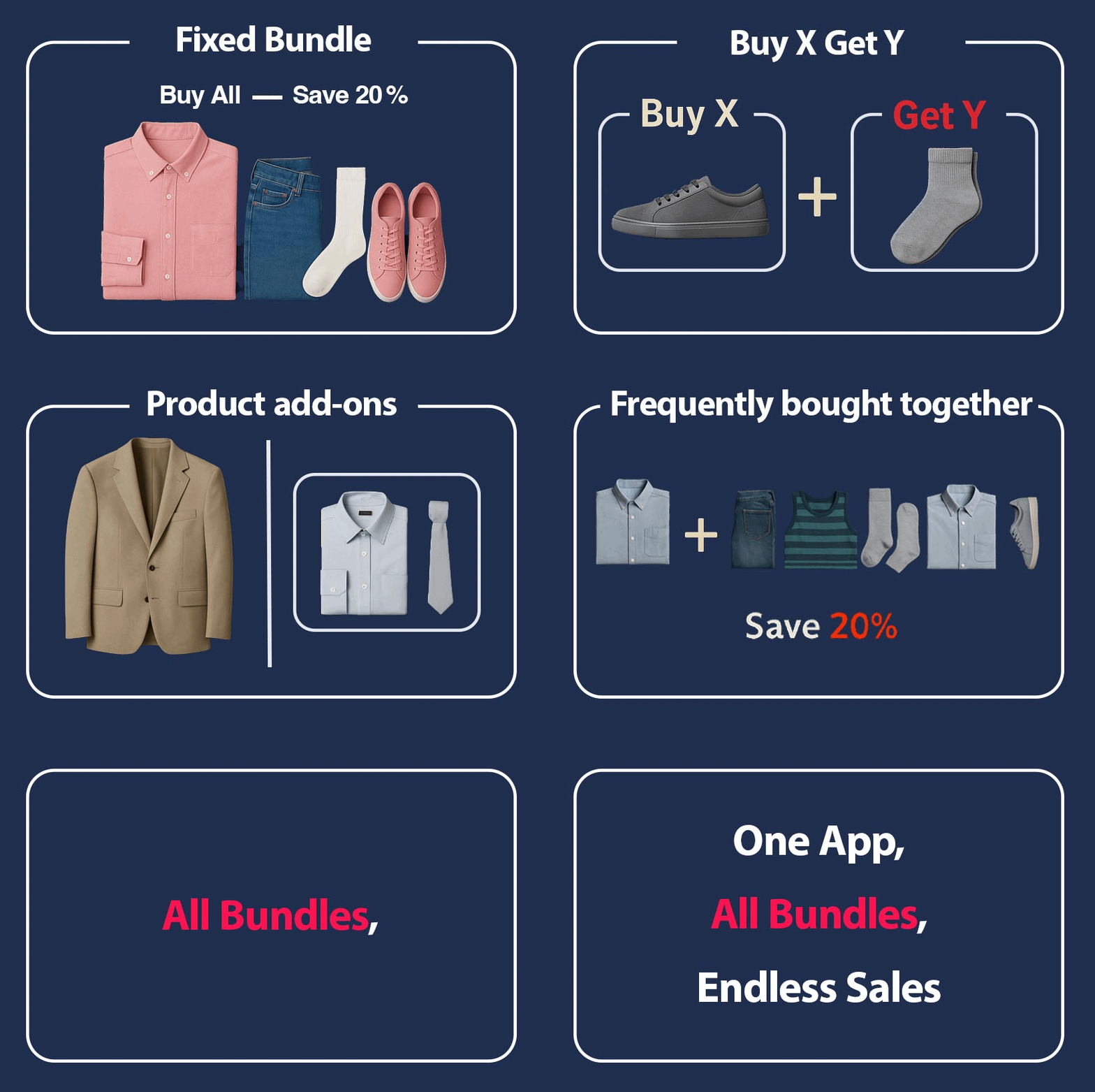
You can also present your customers with “frequently bought together” options to create a more wholesome experience, and of course, bigger carts!

Types of Upsell Strategies for Shopify Stores

There’s no single approach when it comes to upsell on Shopify, and that’s the beauty of it. Shopify upsell optimization can be done in any stage of a deal. You can tailor your upsell strategy to match the customer mindset and maximize conversions. From product pages to post-checkout thank-you screens, each touchpoint offers a golden opportunity to increase Average Order Value (AOV) without being pushy.

  • Pre-purchase Upsell

    This upsell happens on the product page. For example, if a customer views a basic blender, you suggest a premium version with more features. It’s a subtle nudge to consider something better.

  • In-cart Upsell

Once an item is in the cart, show an upgrade or add-on. Say someone adds running shoes, offer a premium insole or shoe cleaner right in the cart. It’s a last-minute chance to boost the order before checkout.

  • Post-purchase Upsell

How to do a Shopify post sale upsell? offer a relevant upgrade or add-on without requiring another transaction. For instance, after buying a camera, offer a discounted lens. 
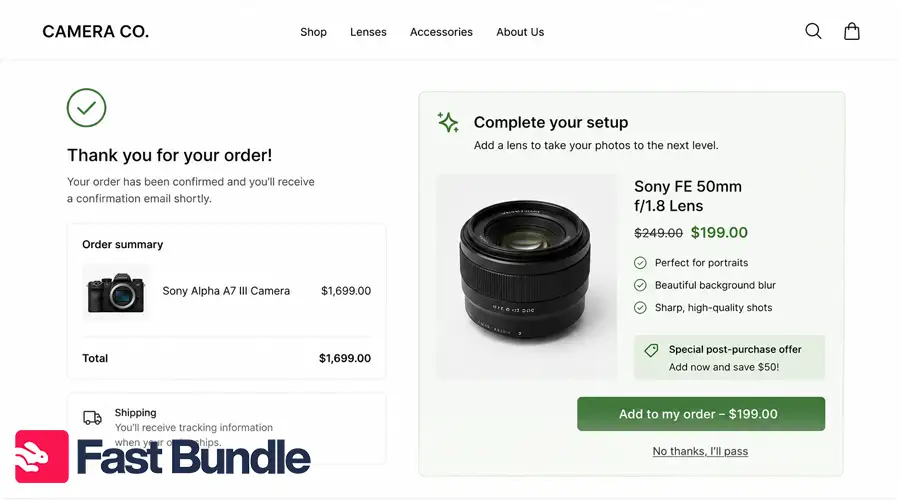
Set the mode for higher purchases with adding valuable products

  • Subscription Upsell

Turn a one-time product into a recurring order. For example, if someone buys skincare, offer a monthly subscription at a discounted rate. It increases lifetime value while giving the customer convenience.

  • Manual vs Automated Upsell

Manual upsells require hand-picking offers, while automated tools use data to suggest the best upsell in real time.

Increase Your Store’s AOV
— Not Your Ad Spend
Create product bundles, BOGO offers, and upsells
that boost revenue instantly.
Bundle Impact
Average AOV Increase
+35%

Real-World Upselling Use Cases

Plenty of successful Shopify brands are quietly using upselling to boost their revenue, and they’re doing it without overwhelming their customers. Let’s take a look at how a few of them make it work in the real world.

  • Gymshark, the popular fitness apparel brand, uses in-cart upsells to recommend matching accessories like water bottles or socks when customers add leggings or workout tops. The trigger is simple: when a customer adds a clothing item to their cart, a related product appears just below — clean, relevant, and perfectly timed. The result? Increased AOV with minimal effort.
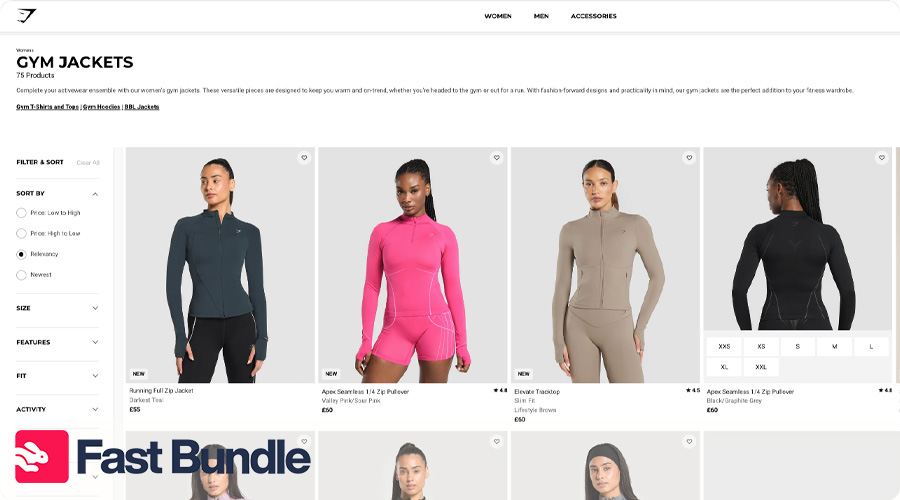
 

gymshark

  • Allbirds, known for eco-friendly shoes, places subtle pre-purchase upsells on their product pages. For instance, when browsing shoes, customers might see a recommendation to upgrade to a weather-resistant version for just a bit more. This encourages value-focused upgrades without interrupting the shopping flow.
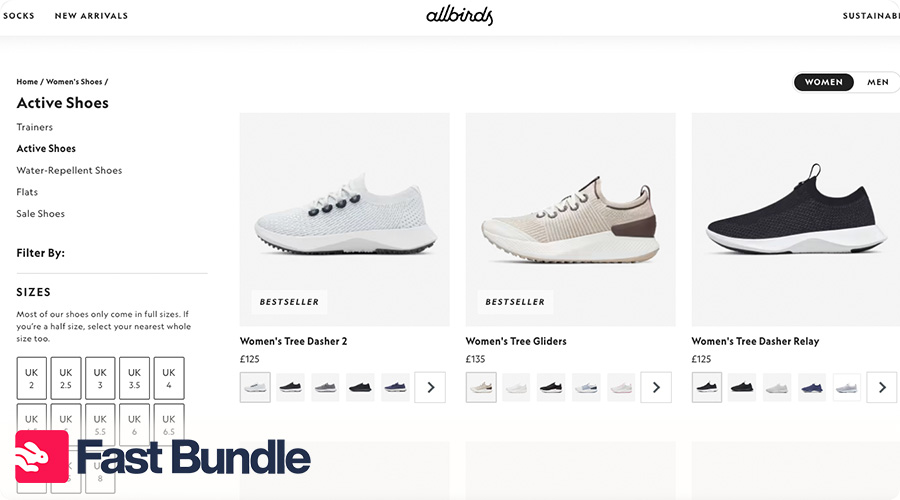
 

all birds

  • Blume, a skincare brand, uses post-purchase upsells to great effect. After checkout, they offer a limited-time deal on a complementary product (like face mist after buying a cleanser). The offer feels exclusive and timely — leading to frequent add-on purchases.

 

Complementary Strategies: Cross-Selling & Bundling

Upselling works even better when paired with smart strategies like cross-sell and bundling. These approaches not only increase the customer’s cart size but also enhance their overall shopping experience by offering more value, convenience, and relevance. Here’s how they complement your upsell game perfectly:

  • Cross-Selling Adds Relevance

    Suggesting related but separate products (like a camera bag with a camera) helps enhance the original purchase and increases total cart value alongside upsells.

  • Bundling Creates Perceived Value

Combining multiple products into a bundle (e.g., shampoo + conditioner + serum) gives customers a deal and makes them feel they’re getting more for less.

  • They Reinforce Upselling

When used together, cross-selling and bundling make upsells feel natural (not forced) by offering complete solutions instead of just pricier upgrades.

  • Boost Conversion Rates

These tactics reduce decision fatigue by guiding customers toward smart, curated choices, making them more likely to buy, and buy more.

Common Mistakes to Avoid When Upselling on Shopify

Ever been asked if you want a warranty, three accessories, and a cleaning kit just for buying headphones?

That’s upsell overload, and customers hate it. In fact, 88% of shoppers abandon purchases when the buying process feels confusing or overwhelming. To keep your upsell strategy smooth and effective, avoid these common pitfalls:

  • Overloading offers

Showing too many upsell options at once can overwhelm the customer and distract from the main purchase. Keep it simple: one great offer is better than five irrelevant ones.

  • Recommending unrelated products

Suggesting items that don’t match the original purchase (like socks with skincare) confuses shoppers and hurts trust. Relevance is key to building better upsell conversions.

  • Being too pushy or interruptive

Pop-ups that disrupt the shopping flow or force decisions can backfire. Upsells should feel helpful and optional, not like aggressive sales tactics.

  • Ignoring mobile experience

If your upsells don’t look good or load well on mobile, you’ll lose sales fast. Make sure your offers are responsive and easy to interact with on all devices.

Final Thoughts

Upselling on Shopify is about making more from what you already have. When done right, it boosts Average Order Value (AOV), improves customer satisfaction, and even increases profit margins without needing more traffic. The beauty? You’re helping shoppers discover better options, not forcing a sale.

And here’s the secret sauce: there’s no “perfect” upsell strategy from day one. The real magic happens when you test, tweak, and learn. Try different placements, messages, and products. See what clicks. Shopify gives you the tools , and your customers will tell you what works. So start small, experiment boldly, and watch your revenue grow smarter, not harder.

FAQ

Yes. You can manually recommend related products. But apps make upsells easier to automate and track.

The best placements are product pages, cart drawers, checkout/post-purchase pages, and thank-you pages. 

Upselling encourages customers to buy a higher-value option. Bundling combines related products into one offer to increase order value.

Relevant add-ons, product bundles, volume discounts, and frequently bought together offers usually work well because they feel useful instead of pushy.

Content Writer at Fast Bundle & eCommerce Content Specialist

Rozhan is a Content Writer at Fast Bundle, where she produces strategic, value-packed content to help ecommerce businesses (especially Shopify stores) grow their revenue through smart product bundling. Her work focuses on simplifying bundling techniques, enhancing customer experience, and sharing data-backed insights that drive conversions. With a passion for clear communication and a background in digital marketing, Rozhan turns complex ecommerce ideas into accessible, results-driven articles.